
How to Create an AI-Generated Quiz in Under 5 Minutes
By Tembii Team
Creating a quiz from scratch is tedious. Typing questions, formatting options, checking answers — it eats into prep time that could be spent on actual teaching. Here is how to do it in under 5 minutes with AI.
Step 1: Paste your lesson material
Open Tembii and paste any text — lesson notes, a textbook excerpt, a vocabulary list, even rough handwritten notes you have typed up. The AI works with whatever you give it.
You can also upload a PDF or take a photo of a printed worksheet.
Step 2: Let AI generate questions
Click generate. In about 30 seconds, the AI reads your material, identifies key concepts, and creates questions across multiple types:
- Multiple choice — 4 options with explanations
- True/false — statements students evaluate
- Fill in the blank — recall-focused
- Matching — term-to-definition pairs
- Ordering — sequence and process questions
- Open ended — free response with model answers
- Picture choice — image-based vocabulary
The AI tags each question by difficulty and category automatically.
Step 3: Review and approve
Every question defaults to unapproved. Scroll through, edit anything that needs tweaking, and approve the questions you want to use. Reject anything that misses the mark.
This step is important — you know your students better than any AI. The AI does the heavy lifting; you do the quality control.
Step 4: Pick a game and play
With your approved question bank ready, pick any of the themed games. A few to start with:
- Vault Heist for competitive energy
- Treasure Hunt for strategic fun
- Deep Sea Expedition for collaborative adventure
- Word Armada for high-seas fun
Share your screen, pick a game, and play. Your students do not need their own devices — they participate as teams or individuals while you run the game from your laptop.
The result
Five minutes of prep. A full class period of engaged learning. And the same question bank works in every game, so you can replay with a different format next time.
Ready to try it?
Turn your next lesson into an interactive classroom game in under five minutes. No student devices needed.
Sign up freeKeep reading
- tips6 min read
My ESL co-teacher is a pig who can't read
Teaching with puppets in one-on-one ESL classes: how Bruce the Pig, who cannot read, gets my students reading aloud and explaining their answers.
 guides9 min read
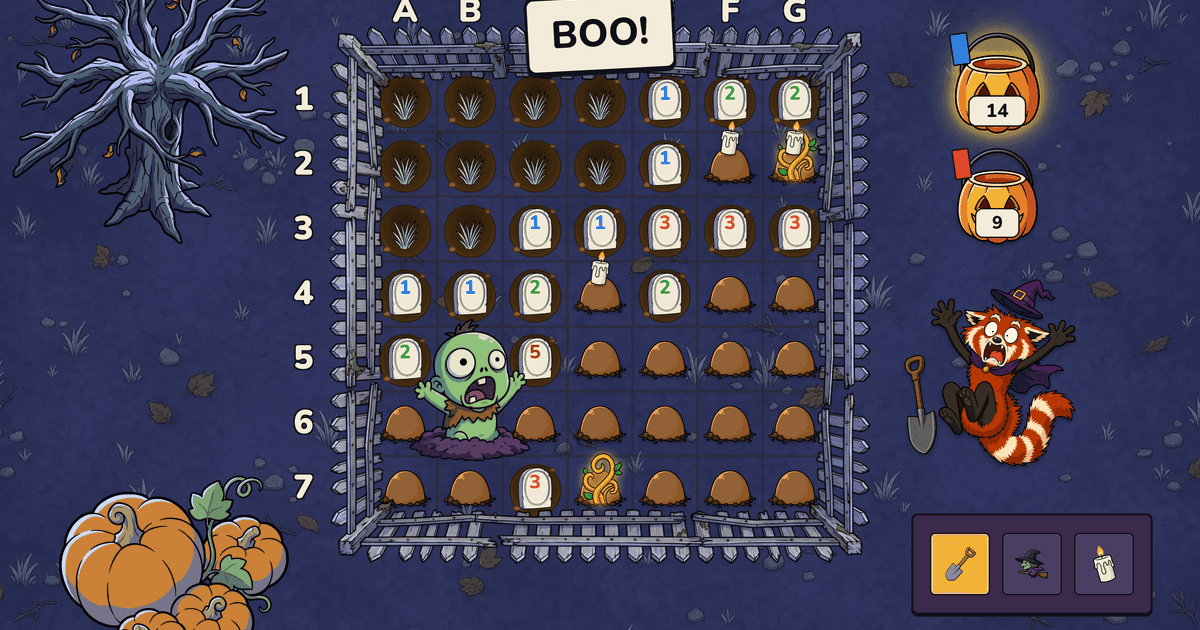
Halloween ESL Games: Spooky Classroom Games for Kids
Three Halloween ESL games that run on your own vocabulary list, one of them free, plus no-tech Halloween activities for ages 4 to 14. Never scary.
 subjects7 min read
Vocabulary Games for A1 Beginners: What Actually Works
Vocabulary games for A1 beginners that respect a tiny word stock: picture-first classics plus digital review games your whole class can play.