
Make a vocabulary game from your word list
To make a vocabulary game from a word list, paste the list into Tembii, set the level to your class’s, and choose the “Concepts & vocabulary” focus. Tembii writes questions that test those words: matching words to meanings, picture choice, fill in the blank, multiple choice and more. You check each question, switch off any you don’t want, and play the set as a team game on the projector. It takes under 5 minutes, and the same list then works in every game, so the words can come back next lesson in a different game.

How it works
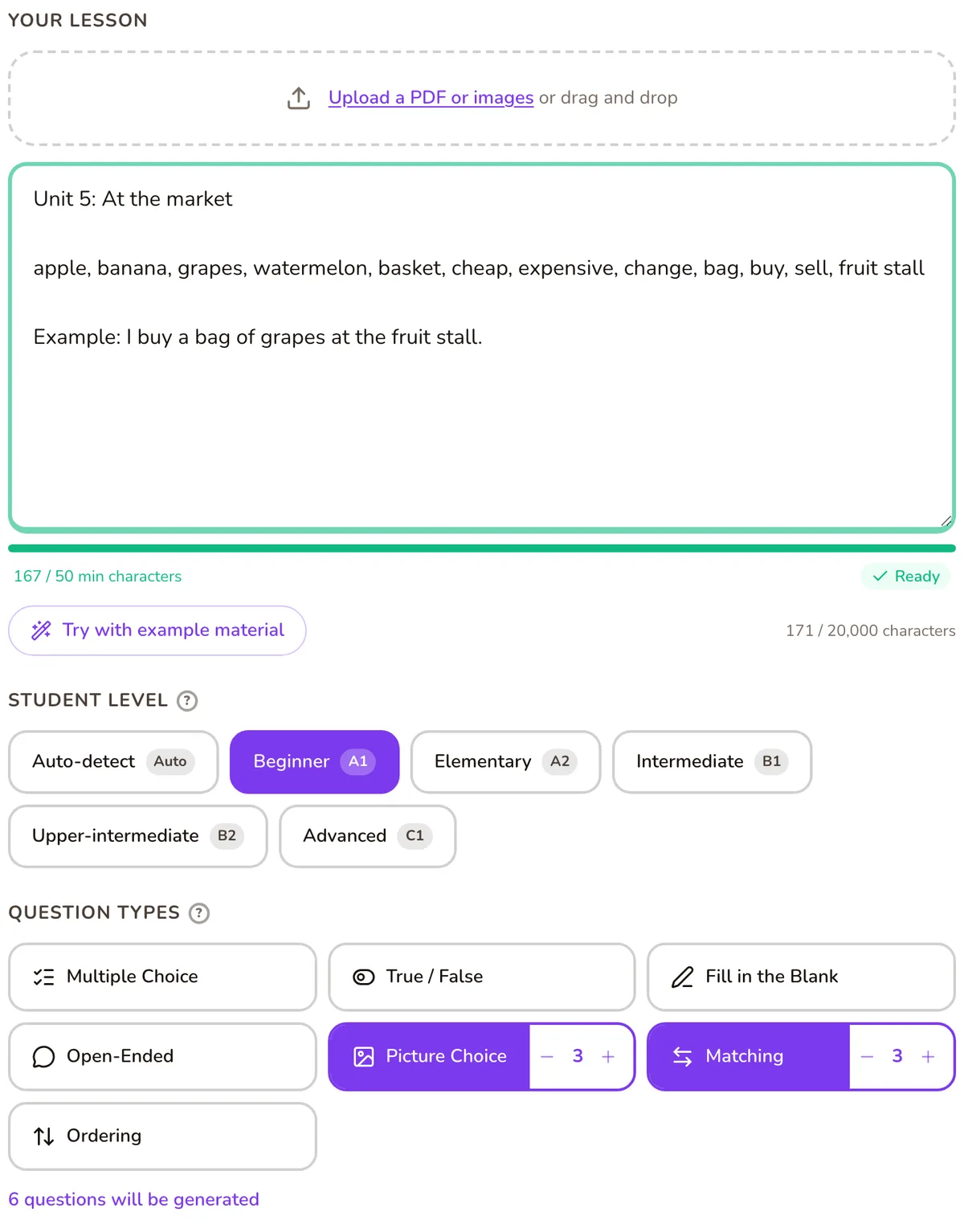
1. Paste the list, plus a little context
Paste your word list into the lesson box. Add the topic too, like “Unit 5: At the market”, or one example sentence per word. That does two jobs. It gets you past the box’s 50-character minimum, which a short list of short words can miss. And it tells Tembii which meaning you’re teaching, so “bat” gets the animal and not the cricket bat.
2. Set the level
Choose A1, A2, B1, B2 or C1. For young beginners, A1 or A2 with the “Concepts & vocabulary” focus keeps the questions on word meanings rather than reading.
3. Choose the question types
Vocabulary sets work well with:
- Matching: words paired with meanings.
- Picture choice: pick the image that matches the word, using Tembii’s built-in image library.
- Fill in the blank: the word in a sentence, with acceptable alternatives you can add.
- Multiple choice: four options, one correct.
If there are words you don’t want tested, or a theme you want, write it in the special instructions box.
4. Review
Questions arrive switched on. Edit any you’d word differently, and switch off the rest. Only the ones you keep go into the game.
5. Play
Pick a game, put it on the classroom screen, and let teams take turns.
Games that suit a word list
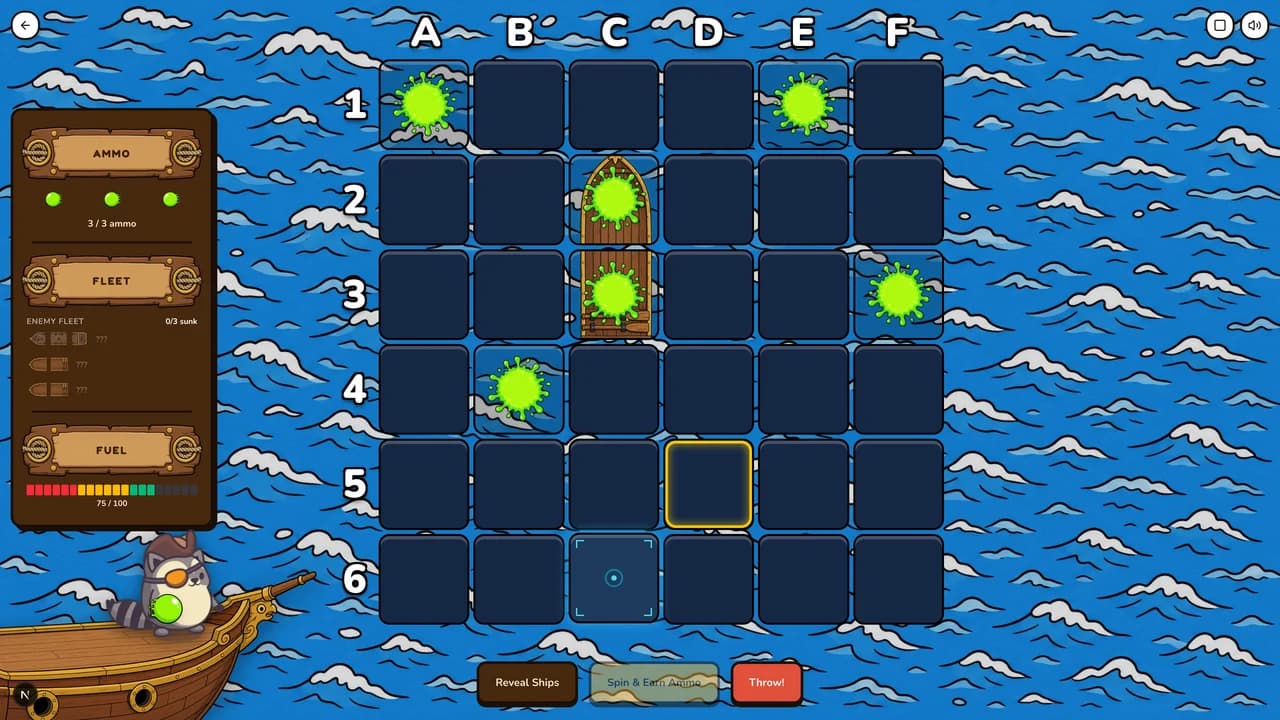
Word Armada: a Battleship-style grid. The class answers to earn slimeballs and tries to slime the hidden fleet before running out of fuel. Free plan.
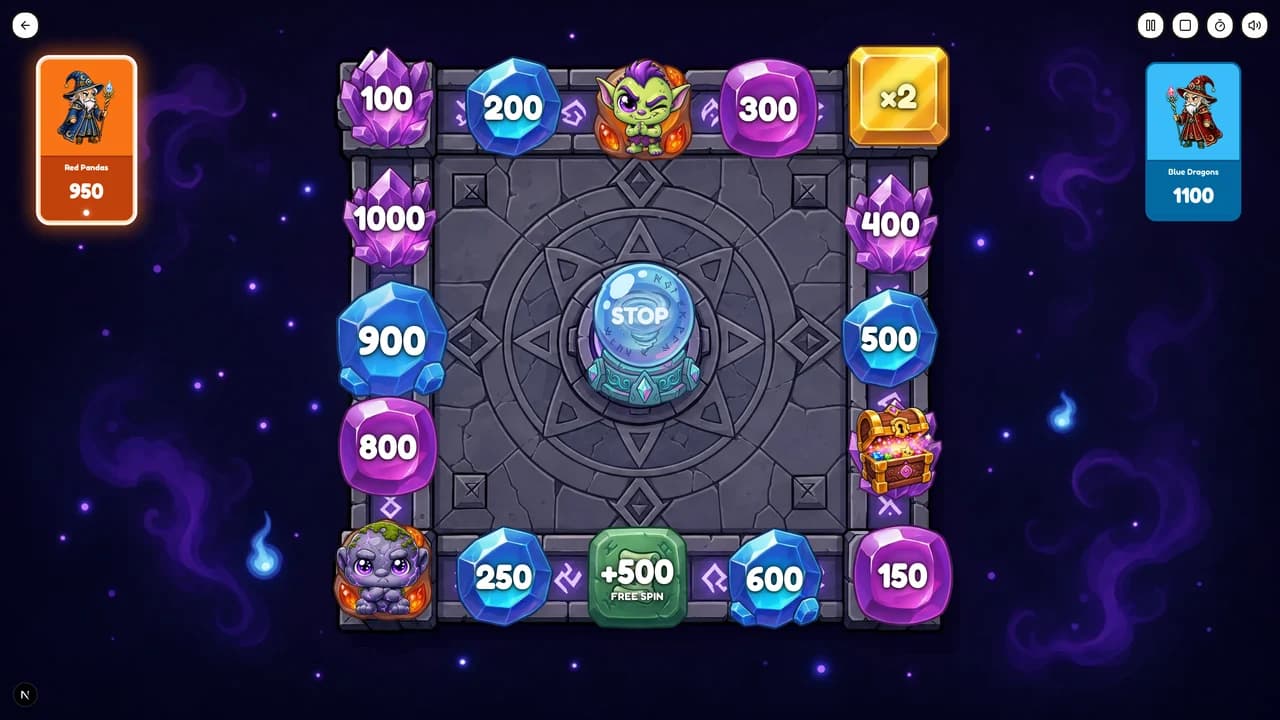
Wizard’s Spell Wheel: teams spin the board and land on point, multiplier, troll or trap squares, then answer to earn. Free plan.
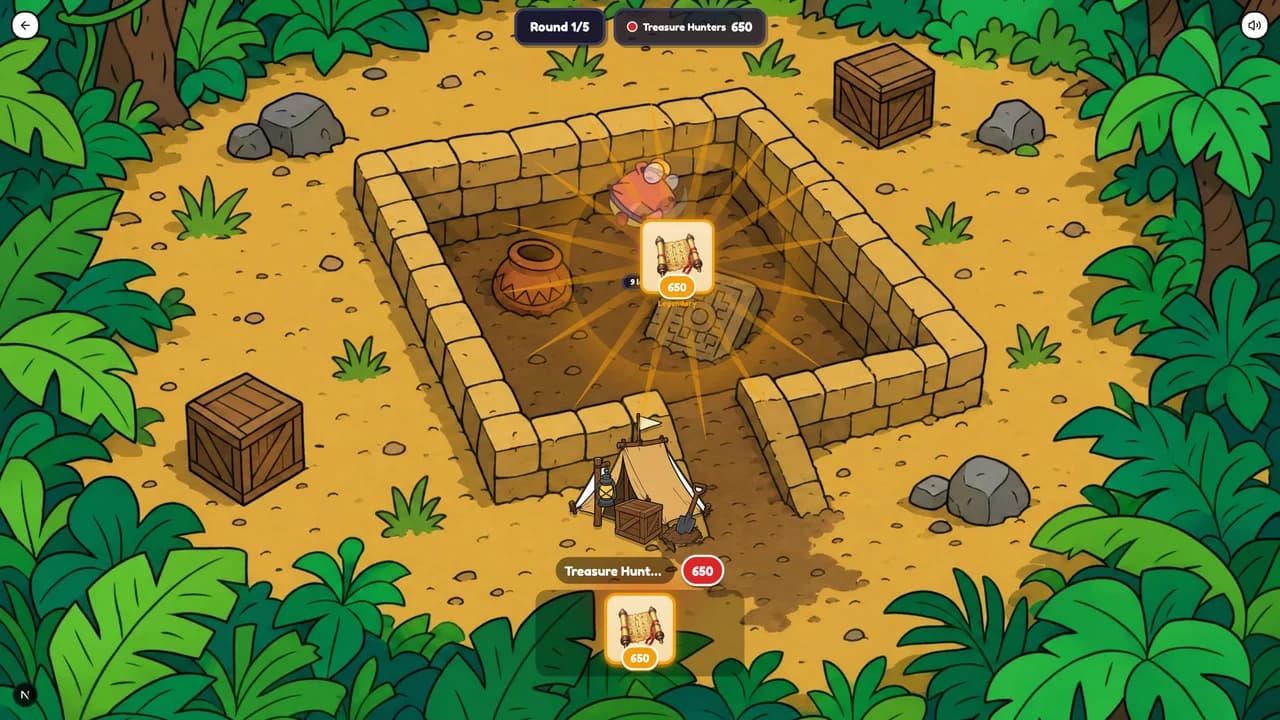
Vault Heist: each turn a team either digs a relic from the shared pit or tries to heist a rival’s best find. A failed heist costs the team its own loot.
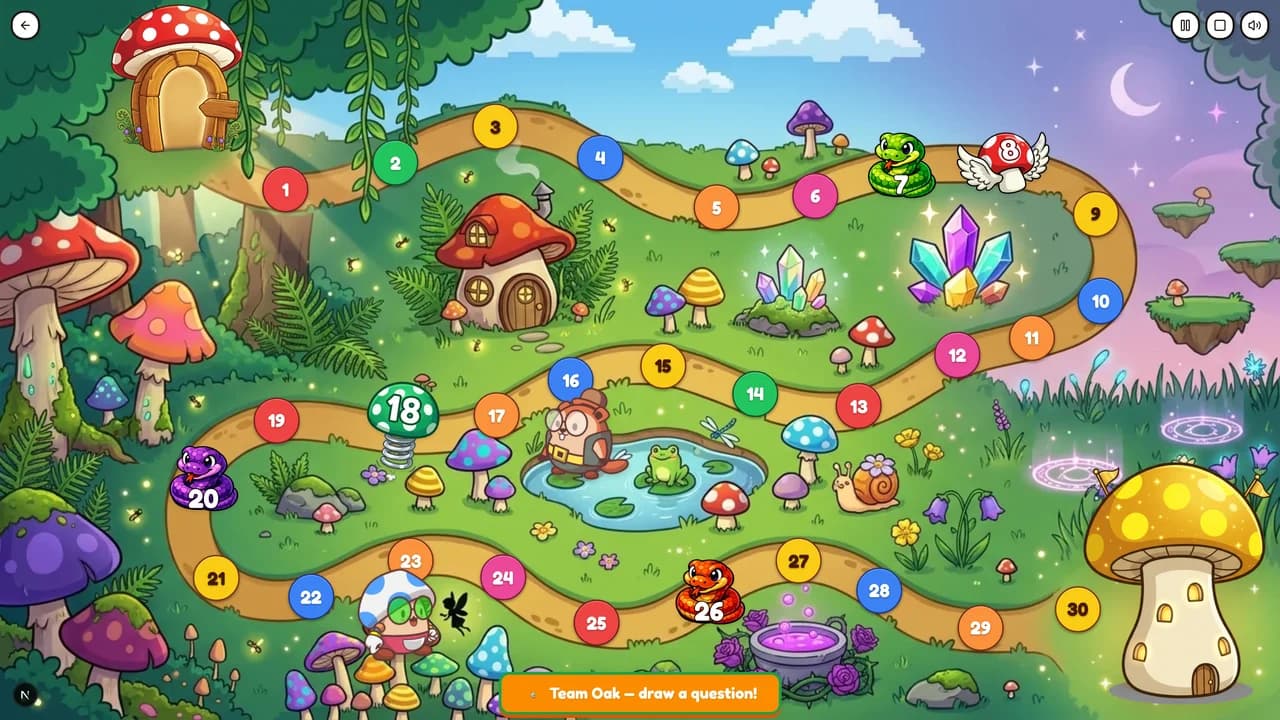
Golden Mushroom Run: a snakes-and-ladders race where a right answer rolls the dice. Free plan.
Questions teachers ask
- Can I just paste a list of words?
- Yes, though a short list of short words can fall under the 50-character minimum. Add the unit topic or an example sentence for each word. It also helps Tembii pick the meaning you’re teaching.
- Will it stick to my words?
- The questions are written from what’s in the lesson box, and you review every one before the game. Switch off any that test a word you didn’t list. If you want something kept out, say so in the special instructions box.
- Can I make picture questions for young learners?
- Yes. Add picture choice questions and Tembii pairs words with images from its built-in library. On Premium you can also generate custom images or upload your own.
- Can I play the same words again next week?
- Yes. The question bank is saved, and it works in every game, so the same list can come back in a different game.
Bring this week’s word list
Paste it in, check the questions, and play.
Start free