
Turn a textbook page into a game for your English class
To turn a textbook page into a game, take a photo of the page and upload it to Tembii. It reads the text and puts it in an editable box, then writes questions from it at the CEFR level you pick, from A1 to C1. You look over the questions and switch off any you don’t want. Then you pick a team game and play it on the classroom screen. You don’t type anything out, and you don’t build a game board by hand. The whole thing, from the page in your hand to a game on the board, takes under 5 minutes.

How it works
1. Photograph the page, or upload a scan
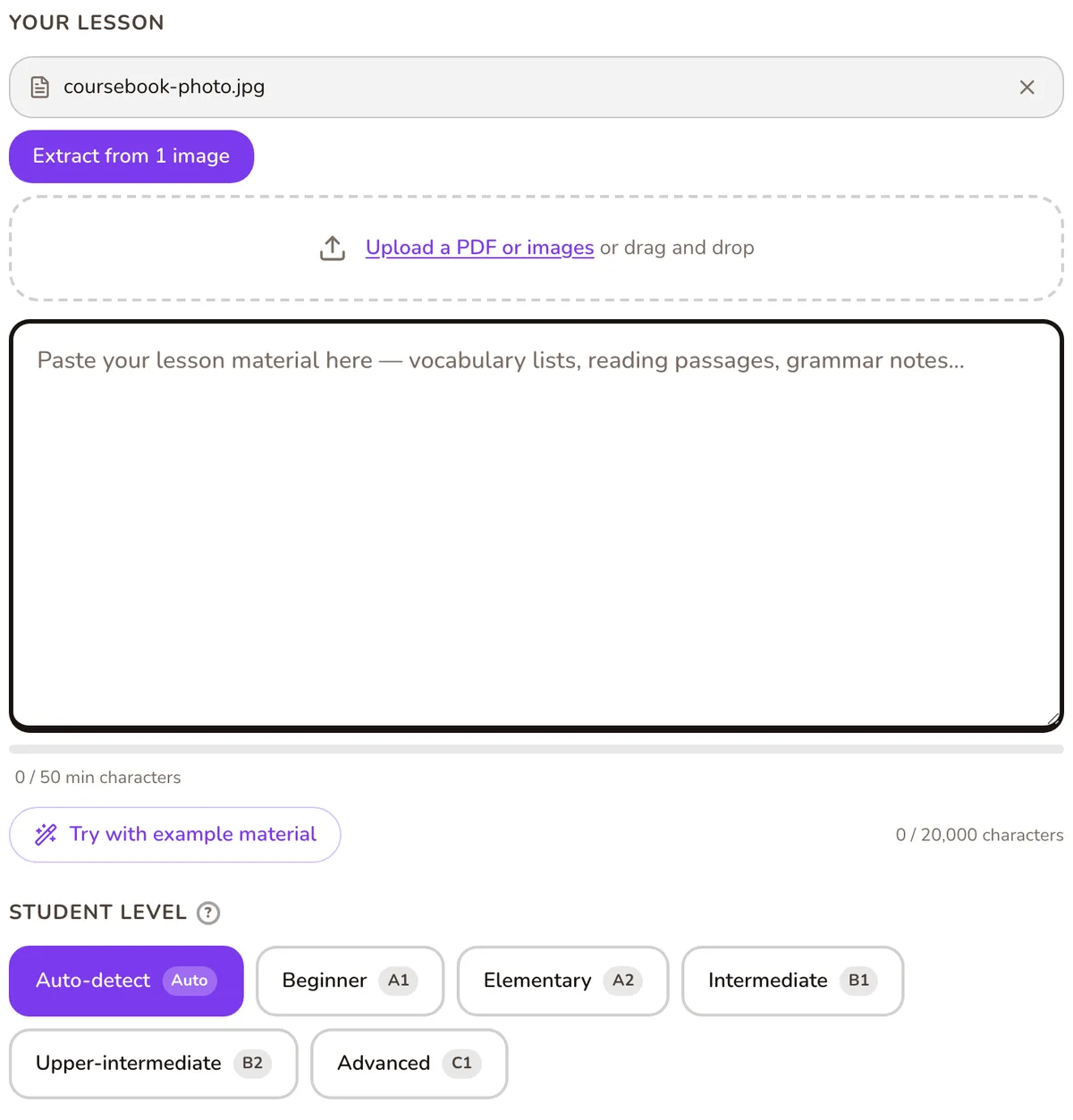
On a phone or tablet, tap the camera button and photograph the page. On a laptop, drag in a picture or a PDF of the page. You can add up to 10 photos at once, so a two-page reading spread with its exercises goes in as one lesson.
2. Check the text it read
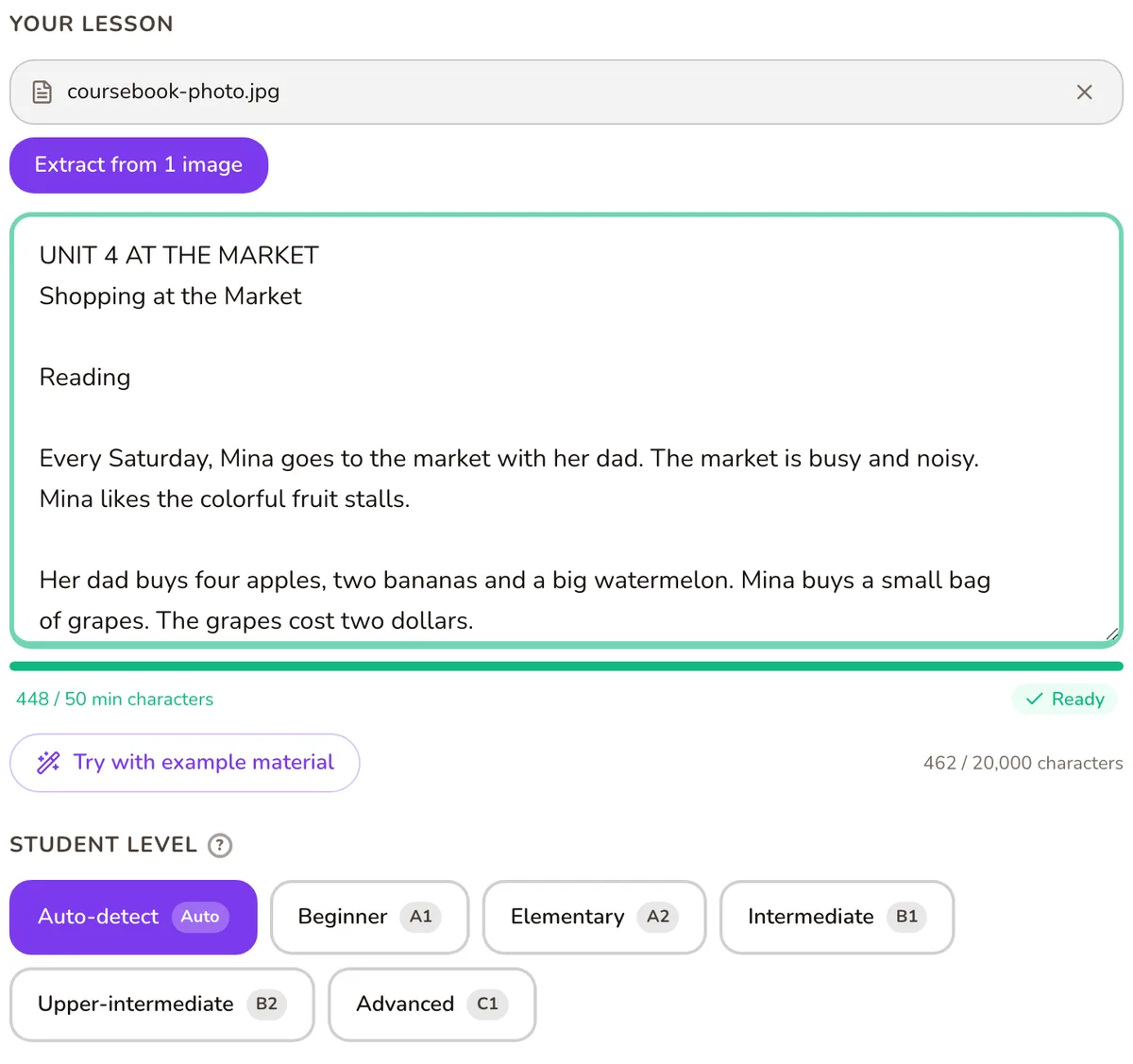
Tembii reads the photos and puts the text into the lesson box. Before you generate, cut what you don’t want tested: page numbers, the instructions for exercise 4, the unit’s answer key. What stays in the box is what the questions come from.
3. Choose the level and the kind of questions
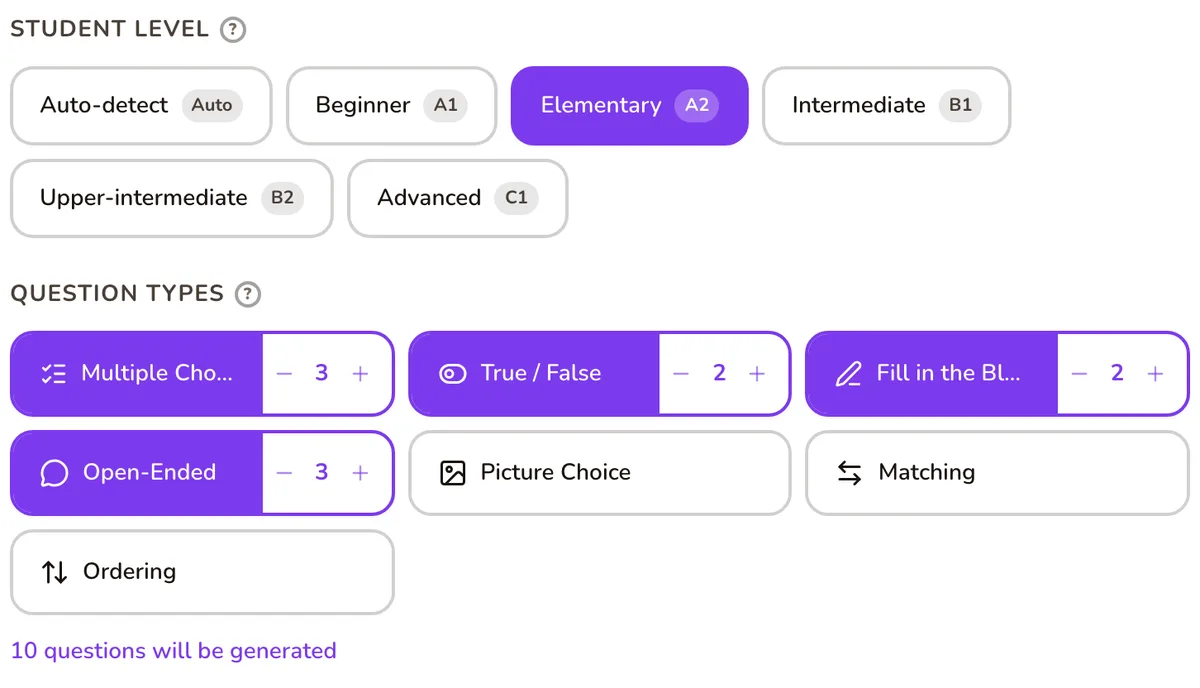
Pick your class’s level (A1, A2, B1, B2 or C1, or let Tembii judge it from the page). Then choose the question types. There are seven: multiple choice, true/false, fill in the blank, matching, ordering, open-ended and picture choice. “Comprehension” focuses the questions on understanding the text. “Concepts & vocabulary” focuses them on word meanings, which suits A1 and A2.
4. Review the questions
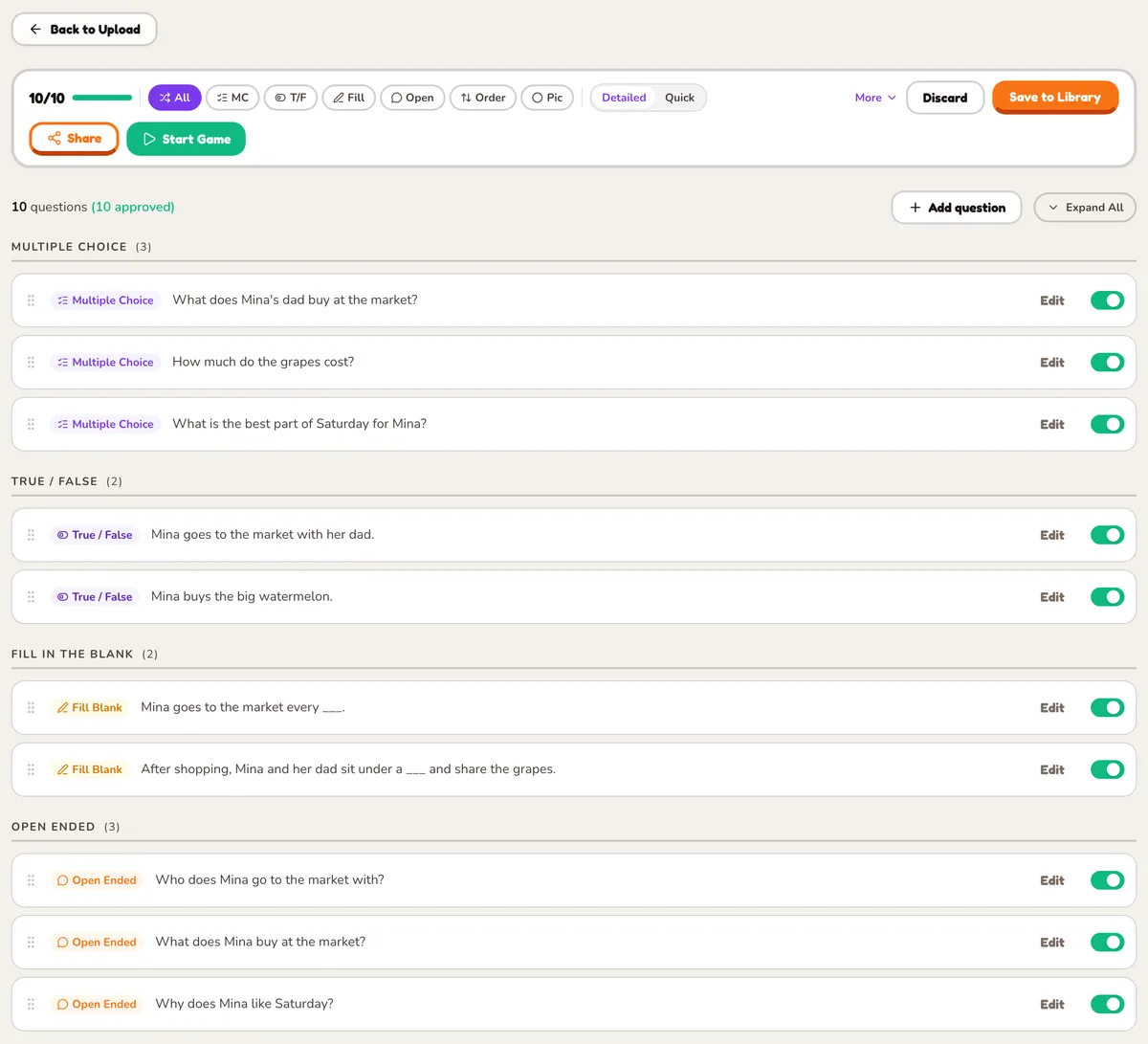
Every question arrives switched on. Read through them, edit any wording you’d say differently, and switch off the ones you don’t want. Only the questions you leave on go into the game.
5. Pick a game and play
Choose one of 21 games and put it on the projector or a shared screen. The same question bank works in every game, so next lesson you can review the same page with a different game.
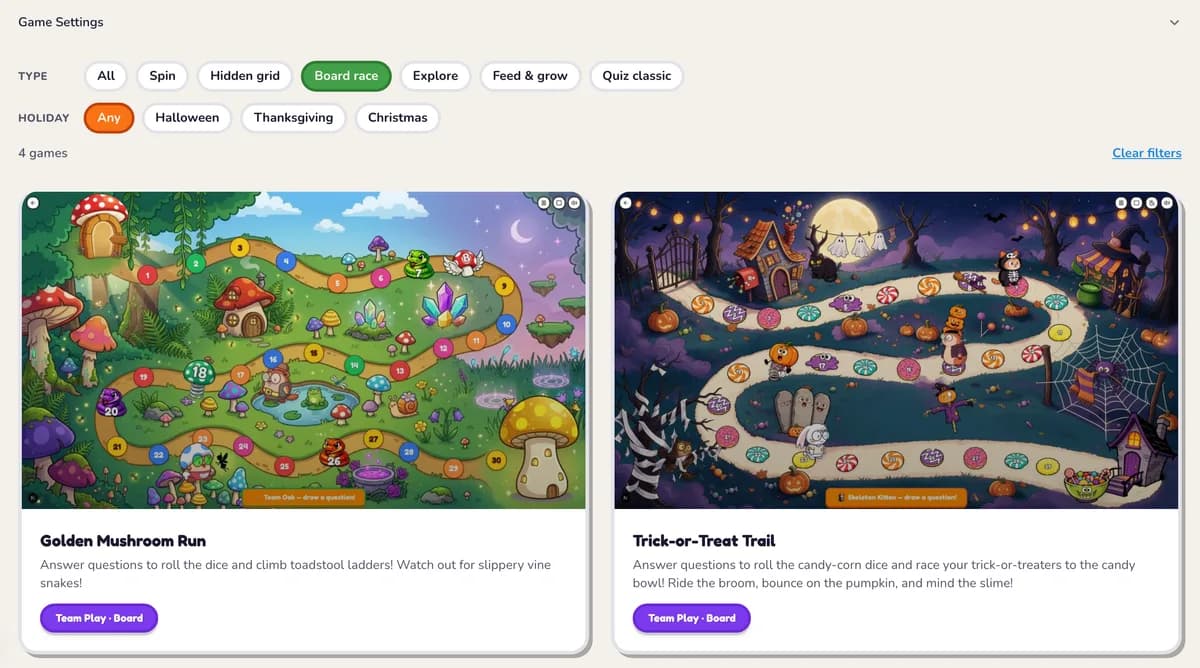
Games that suit a textbook page
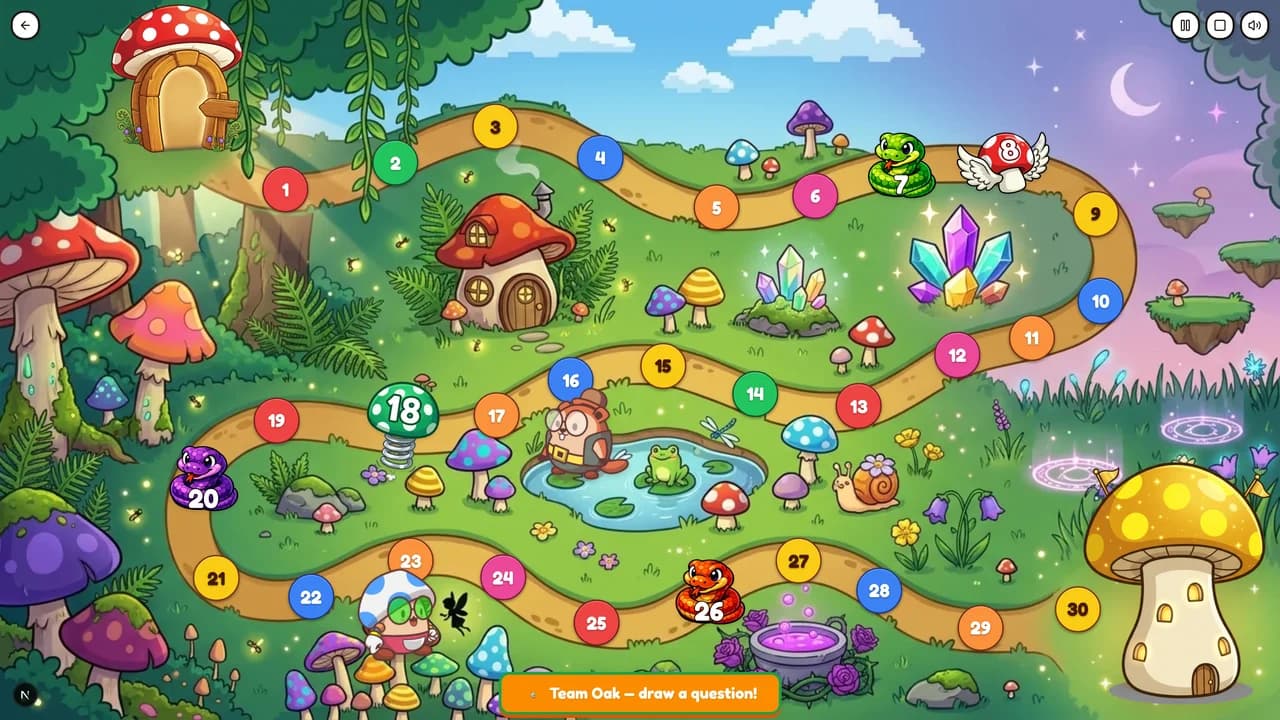
Golden Mushroom Run: a snakes-and-ladders race. Teams answer to roll the dice. It suits a unit’s vocabulary and grammar page, and it’s on the free plan.
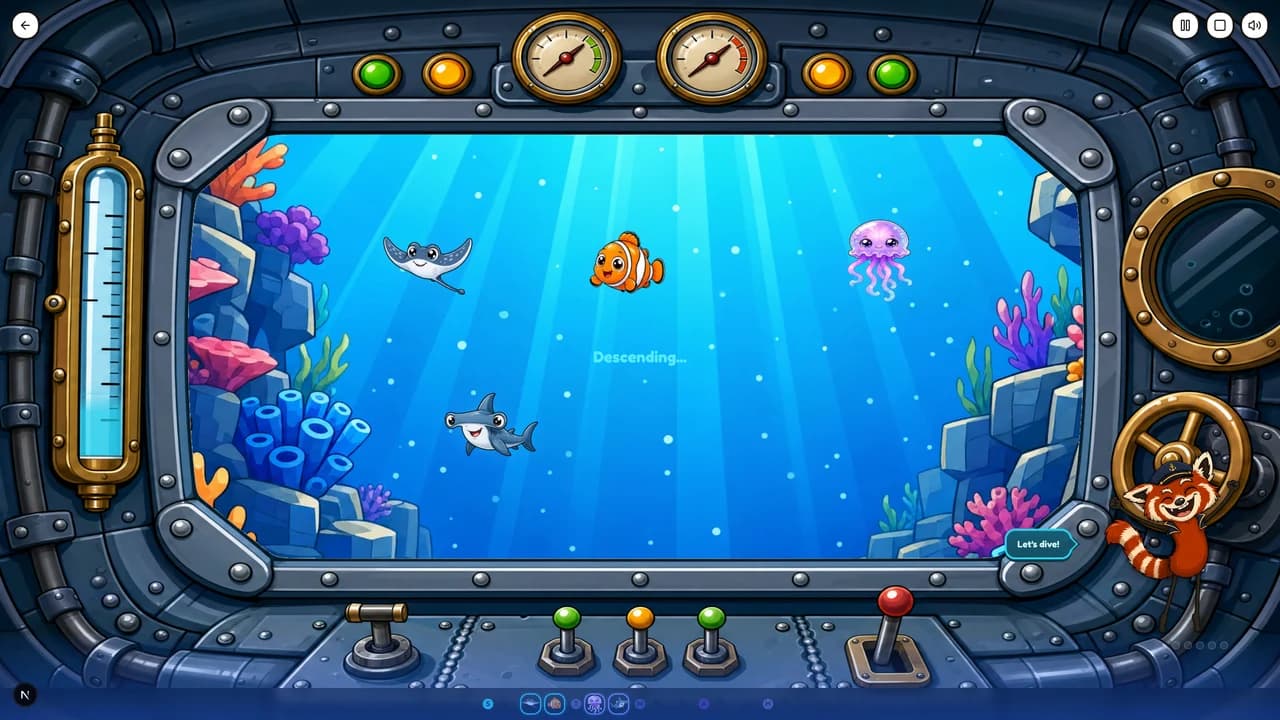
Deep Sea Expedition: the whole class dives through ocean zones together, and wrong answers damage the hull. It works well for a reading page, where you want everyone on the same text. Free plan.
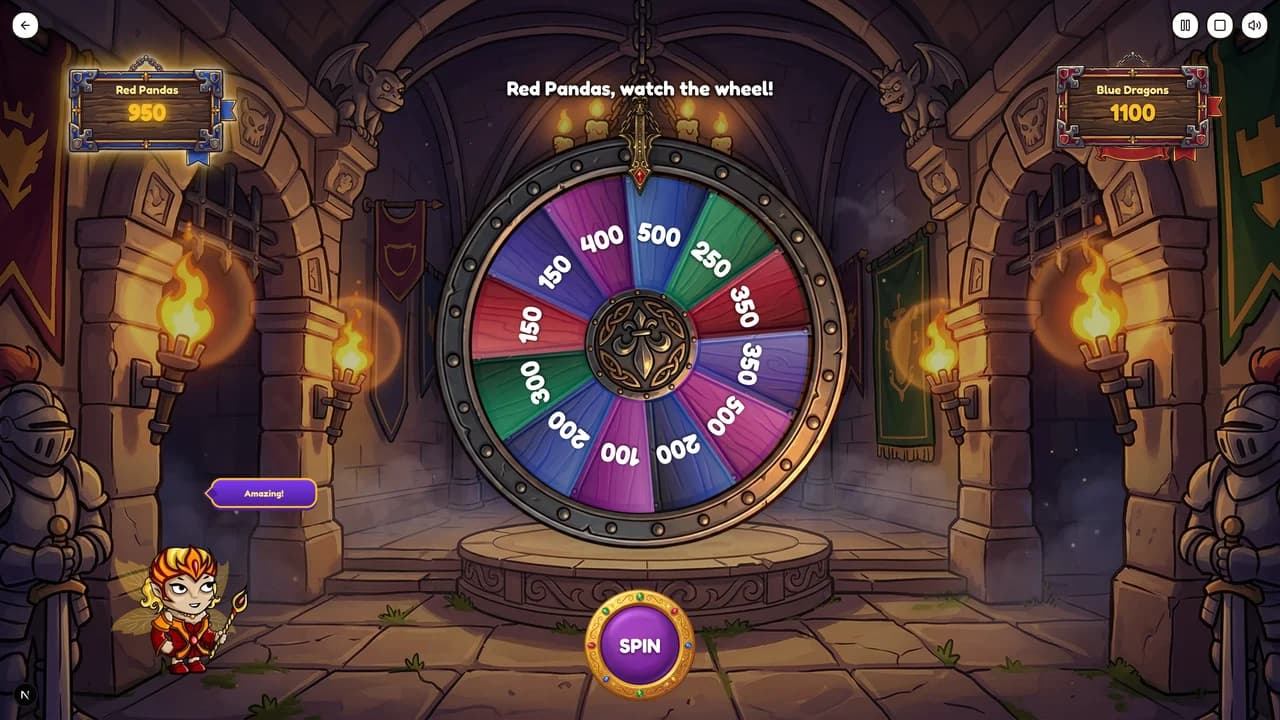
Castle Fortune: teams spin for point values and bank them. Good for an end-of-unit review that needs some tension.
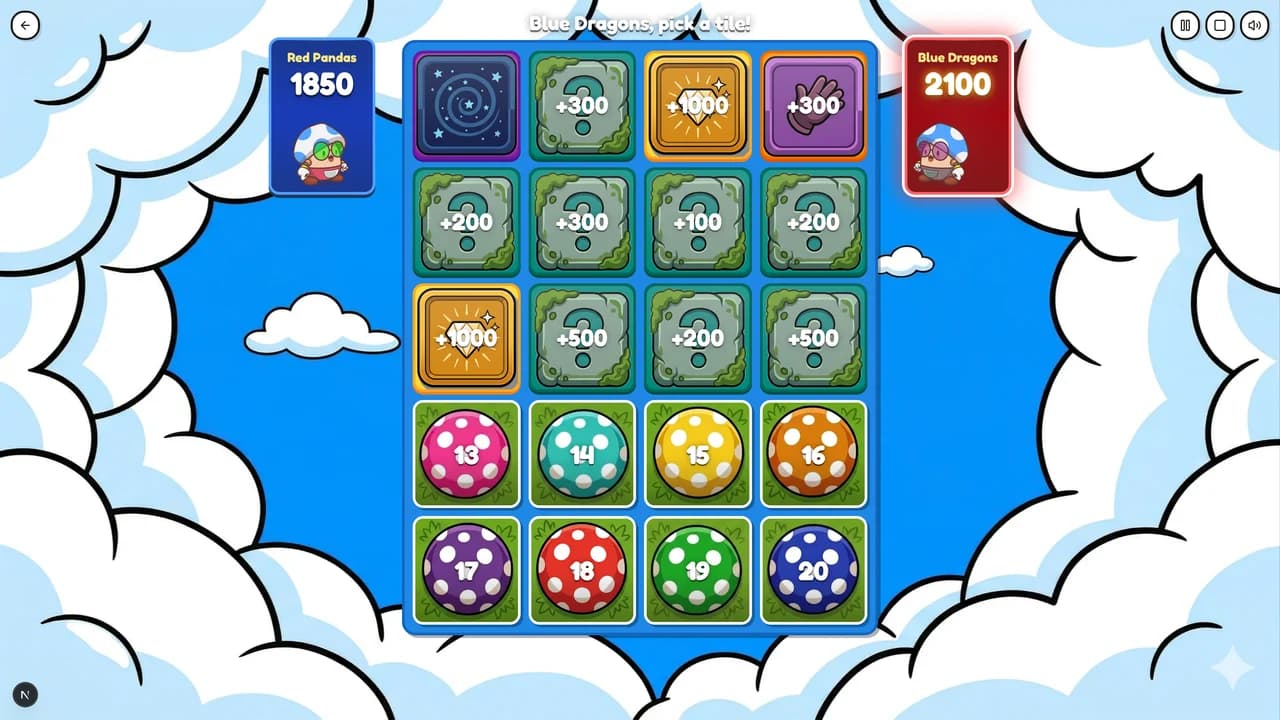
Treasure Hunt: teams pick tiles on a hidden grid to find treasure, dodge traps and steal from rivals.
Questions teachers ask
- Can I photograph a page from the class coursebook?
- Yes. Take a photo with your phone, or upload a picture or PDF of the page. Tembii extracts the text, and you can edit it before any questions are written.
- What if the page is mostly pictures?
- Tembii writes questions from the text in the lesson box, so it needs words to work with: at least 50 characters. If the page is mostly pictures, type the target words into the box yourself. You can also add picture choice questions, which test a word with an image.
- Does it work for young beginners?
- Yes. Set the level to A1 and choose “Concepts & vocabulary”, and the questions will test the words on the page rather than reading comprehension.
- Do I have to use every question it writes?
- No. Every question can be edited or switched off before you play. Only the ones you keep reach the game.
Try it with tomorrow’s page
Photograph one page from your next lesson and play a game from it today.
Start free