
Questions from any reading passage, at your students’ level
To generate questions from a reading passage for ESL students, paste the passage into Tembii (or photograph it, or upload a PDF), set your students’ CEFR level, and choose the “Comprehension” focus. Tembii writes the questions from that text: multiple choice, true/false, fill in the blank, putting events in order, open-ended and more. Then you review each one. You can edit it, keep it or switch it off. The questions you keep become a question bank you can play as a whole-class game on the projector. Start to finish, it takes under 5 minutes.

How it works
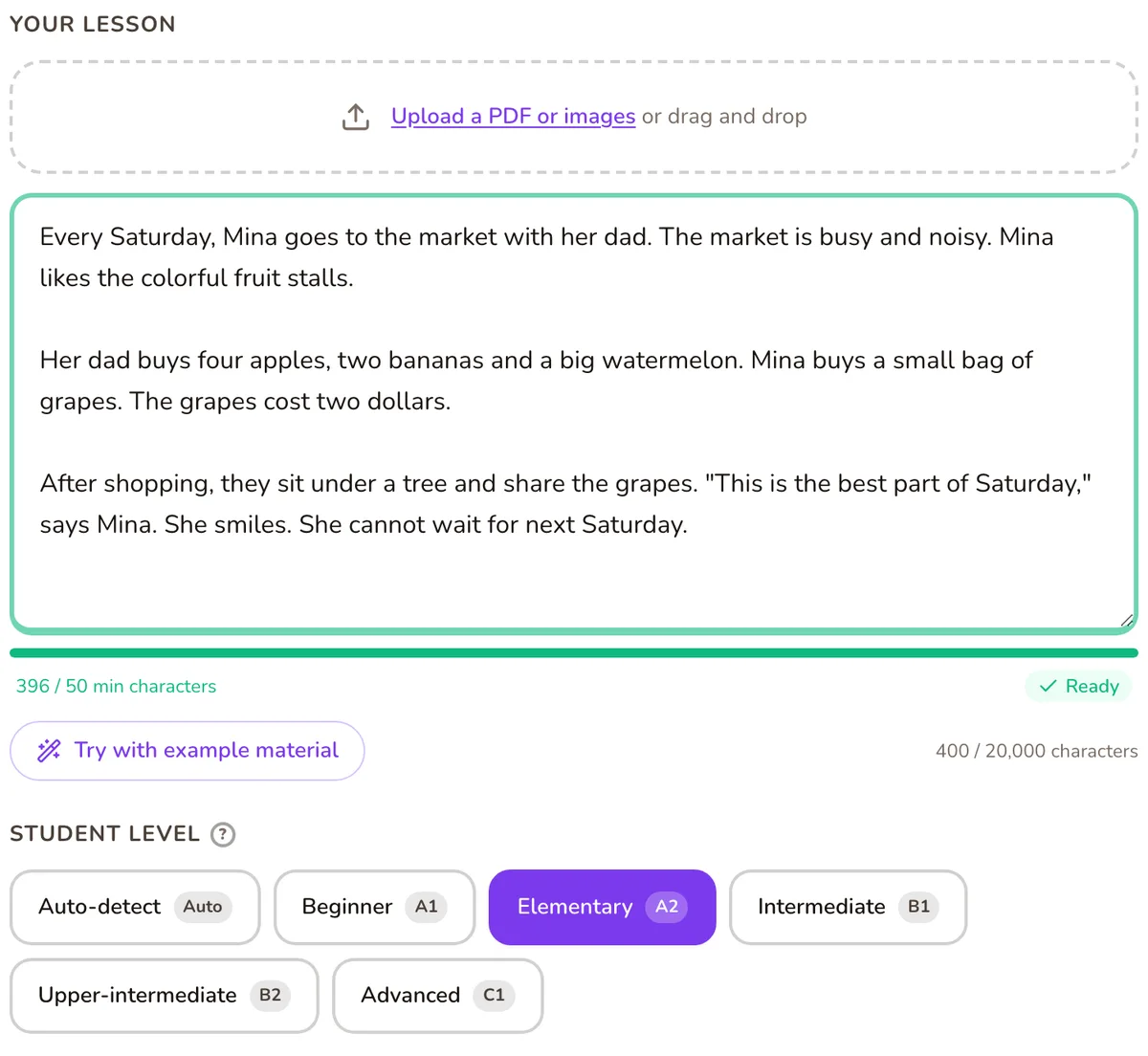
1. Paste the passage
Paste the text, or photograph it if it’s printed (up to 10 photos), or upload a PDF. The lesson box holds up to 20,000 characters, which is plenty for a graded reader chapter or a coursebook text with its glossary.
2. Set the level
Choose A1, A2, B1, B2 or C1, or Auto-detect to let Tembii judge it from the passage. For ESL you can also set British or American English, so the questions match the spelling your class uses.
3. Choose what the questions test
- Comprehension focuses on understanding the passage.
- Concepts & vocabulary focuses on the words in it. This one is best at A1 and A2.
- Critical thinking asks for reasoning and opinion. It’s best from B1 up.
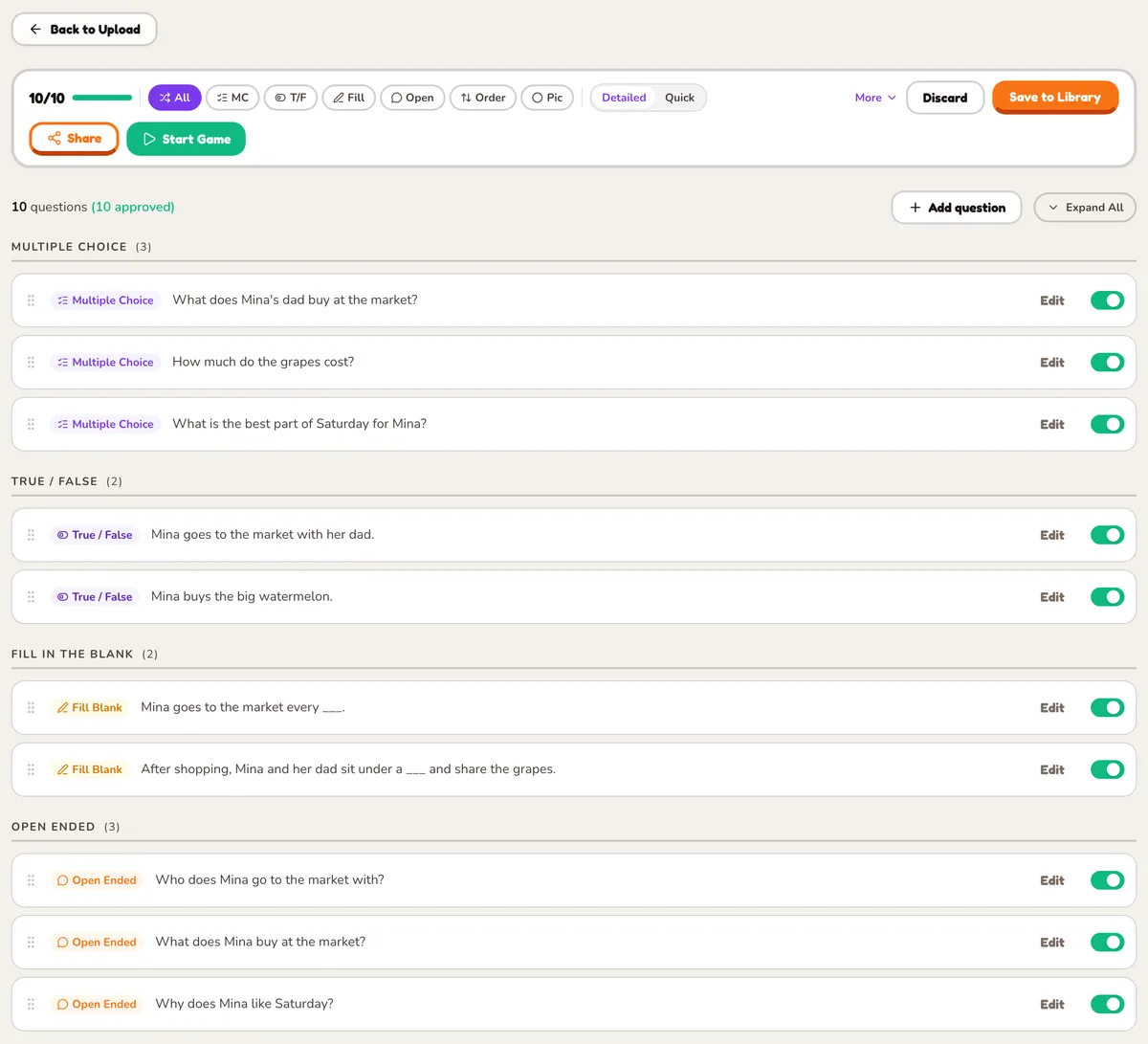
You can combine them. Then choose your question types and how many of each, up to 30 questions. Ordering questions work well for a story: students put the events back in sequence. Open-ended questions come with a model answer, so you can mark a spoken answer right or wrong on the spot.
4. Review every question
Questions arrive switched on. Edit any you’d word differently, and switch off any that test something you didn’t teach. Only the questions you keep go into the game.
5. Play it
Pick one of 21 games and run it on the classroom screen. The bank is saved, so you can come back to the same passage next week with a different game.
Games that suit a reading passage
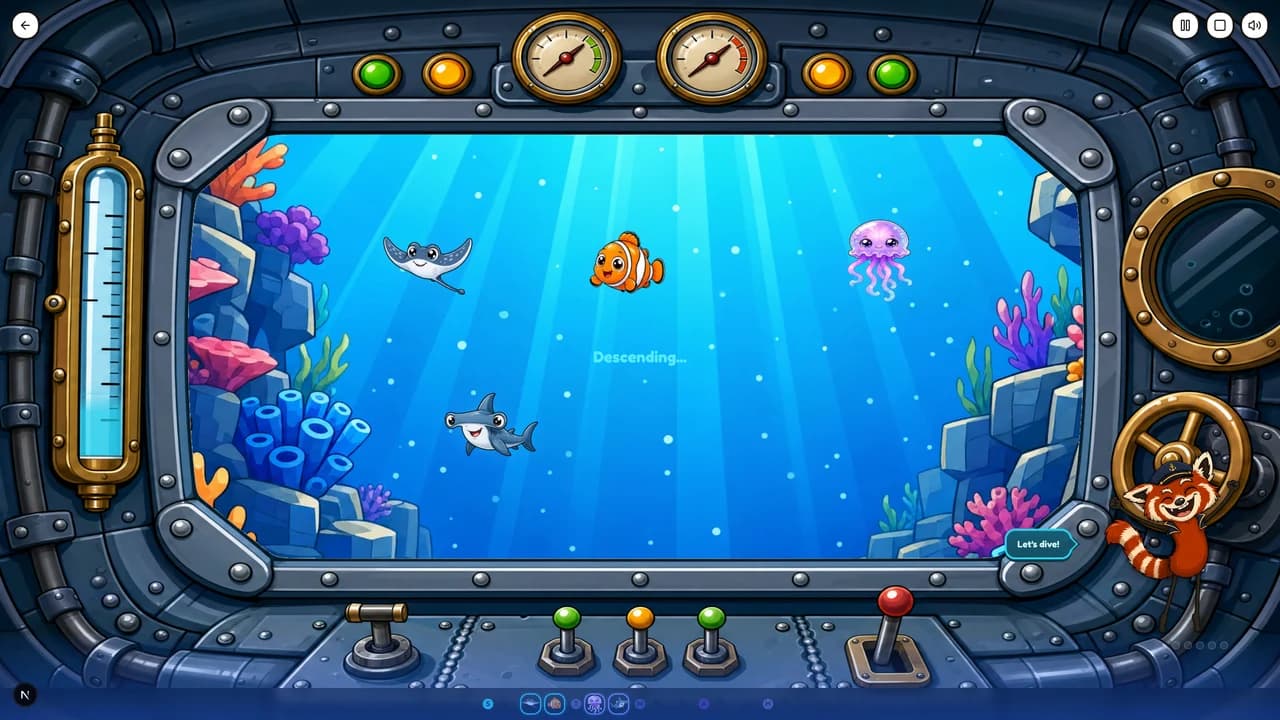
Deep Sea Expedition: the whole class works together through five ocean zones, and wrong answers damage the hull. It keeps everyone on the same text, and it’s on the free plan.
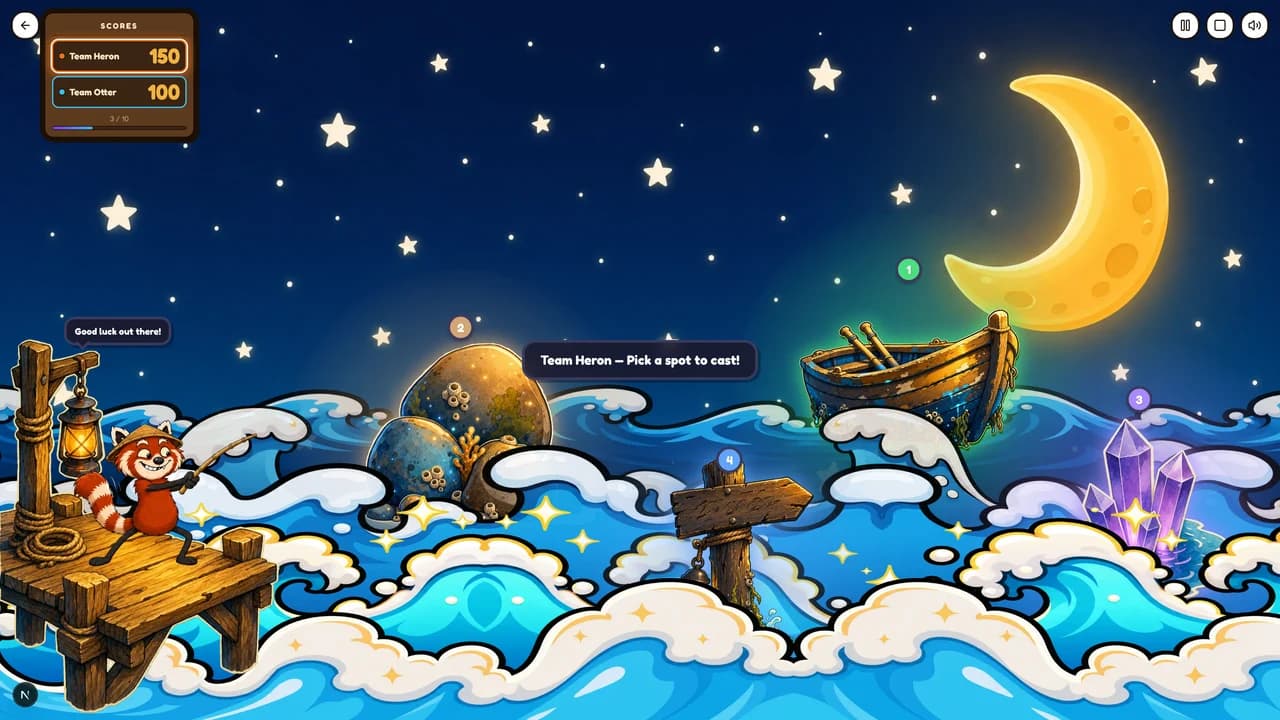
Enchanted Sea: teams take turns fishing for creatures of different rarities, answering a question to land each catch. Good for a longer passage with plenty of questions.
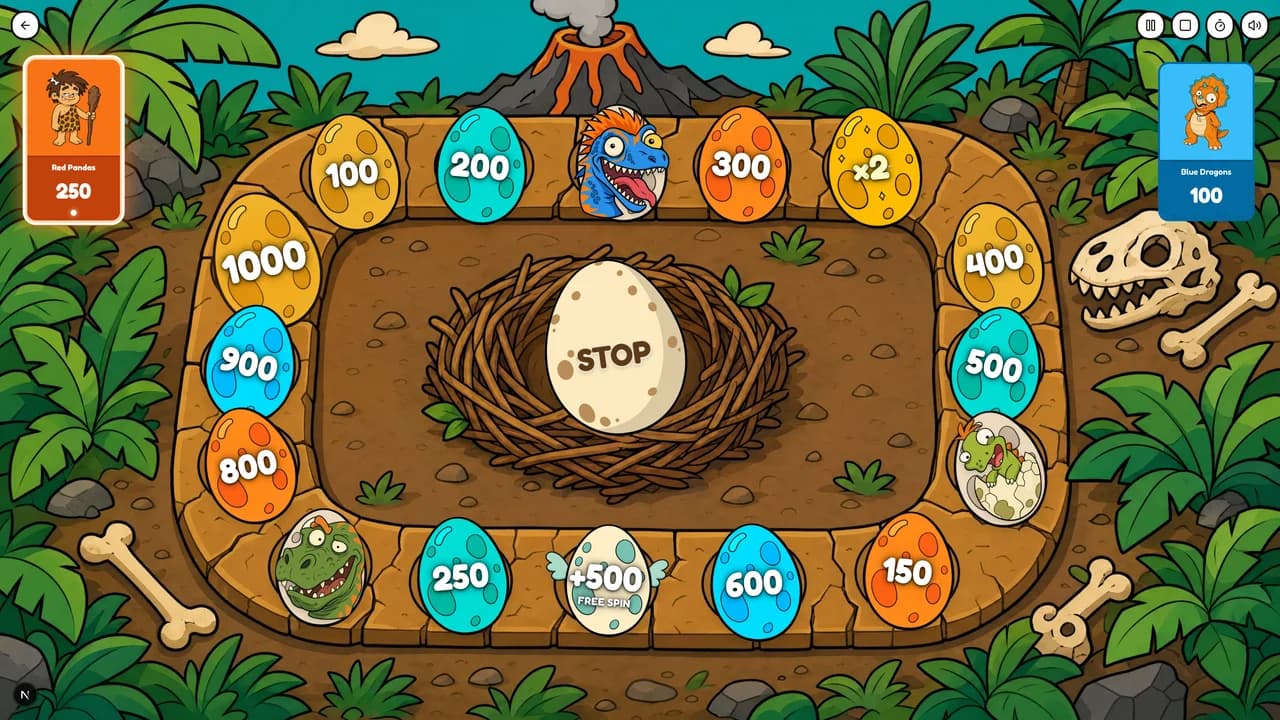
Dino Spin: teams spin a prehistoric board, land on point and multiplier squares, and answer to bank their score, with a roaring dino cheering every win. Quick turns keep a whole class involved in a short passage.
Questions teachers ask
- Can I choose the question types?
- Yes. Choose any mix of the seven types and set how many of each you want, up to 30 questions in a set.
- Will the questions match my students’ level?
- You set the level from A1 to C1, or let Tembii read the passage and judge it. You still see every question before your class does, and you can edit or remove any that miss.
- Can it ask about the story’s order of events?
- Yes. Ordering questions ask students to put items in the right sequence. That works for a story’s events, the steps in a process, or the lines of a dialogue.
- Can I use a passage from our coursebook?
- Yes. Paste the text, upload a PDF, or photograph the pages with your phone, and Tembii reads the text into the lesson box for you to check.
Bring the passage you’re teaching this week
Paste it in and see the questions before you decide anything.
Start free