
Turn a lesson PDF into a quiz game
To make a quiz from a PDF, upload the PDF to Tembii. It reads the text (scanned PDFs too) and puts it in an editable box, then writes questions from it at the level you choose. There are seven question types, from multiple choice to open-ended. You review each question, keep the ones you want, and play them as a team game on the classroom screen rather than a plain quiz. It works on a lesson-sized PDF, like a worksheet, a handout or a unit of a few pages. It doesn’t take a whole coursebook at once.

How it works
1. Upload the PDF
Drag the PDF onto the generate screen, or click to choose it. If the PDF has selectable text, Tembii reads it straight away in your browser. If it’s a scan, Tembii reads the page images instead. Either way, the text lands in the lesson box.
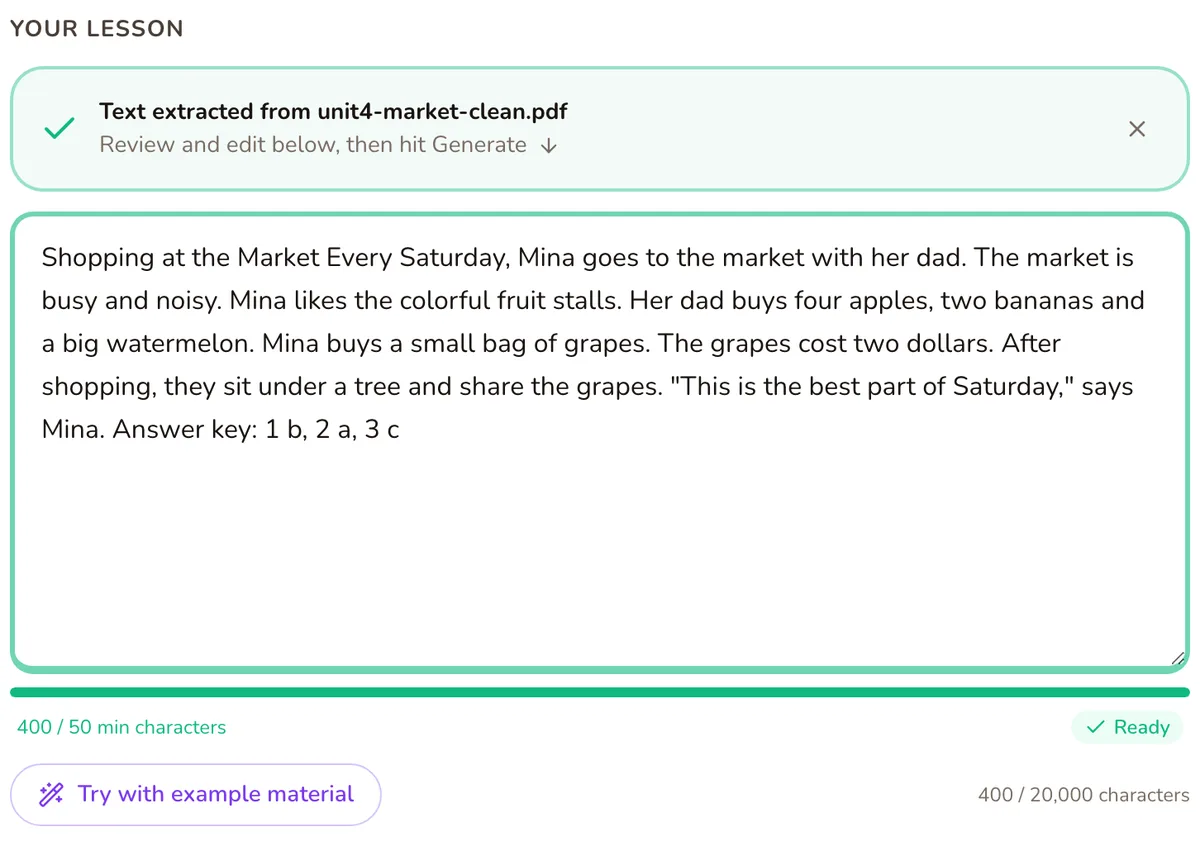
2. Trim it to the lesson
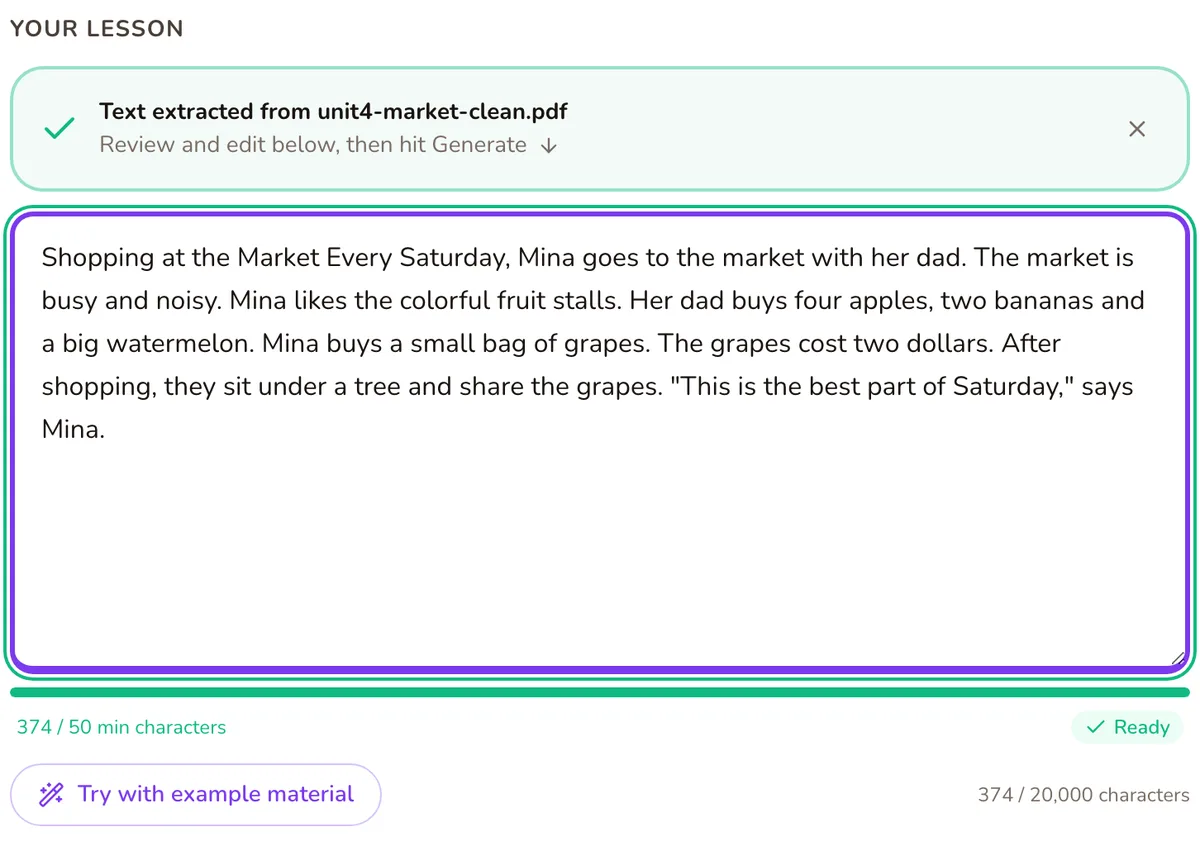
The lesson box holds up to 20,000 characters. If your PDF has more than that, you’ll be asked to trim it before generating. A PDF with a lot more text than that, over 50,000 characters, is refused with a note to upload just the pages you need, or paste a section of the text. Even when it fits, it’s worth cutting the answer key, the page footers and anything you haven’t taught yet.
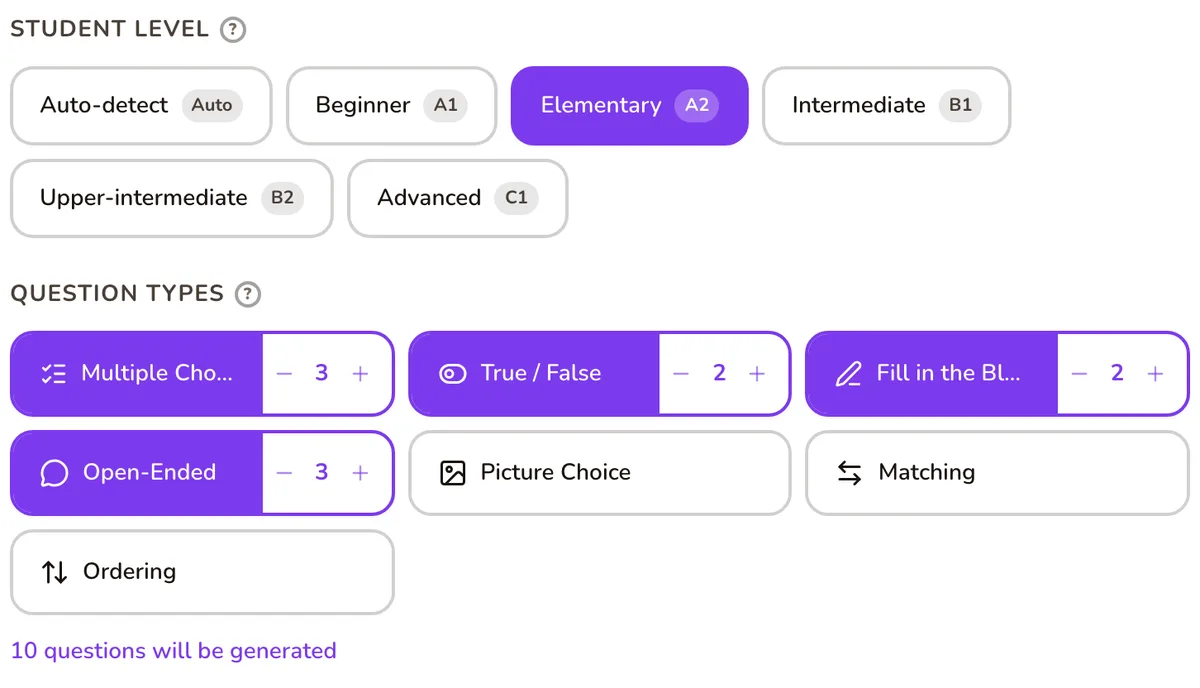
3. Set the level and question types
Pick A1, A2, B1, B2 or C1, or let Tembii judge the level from the text. Choose your mix of question types: multiple choice, true/false, fill in the blank, matching, ordering, open-ended and picture choice.
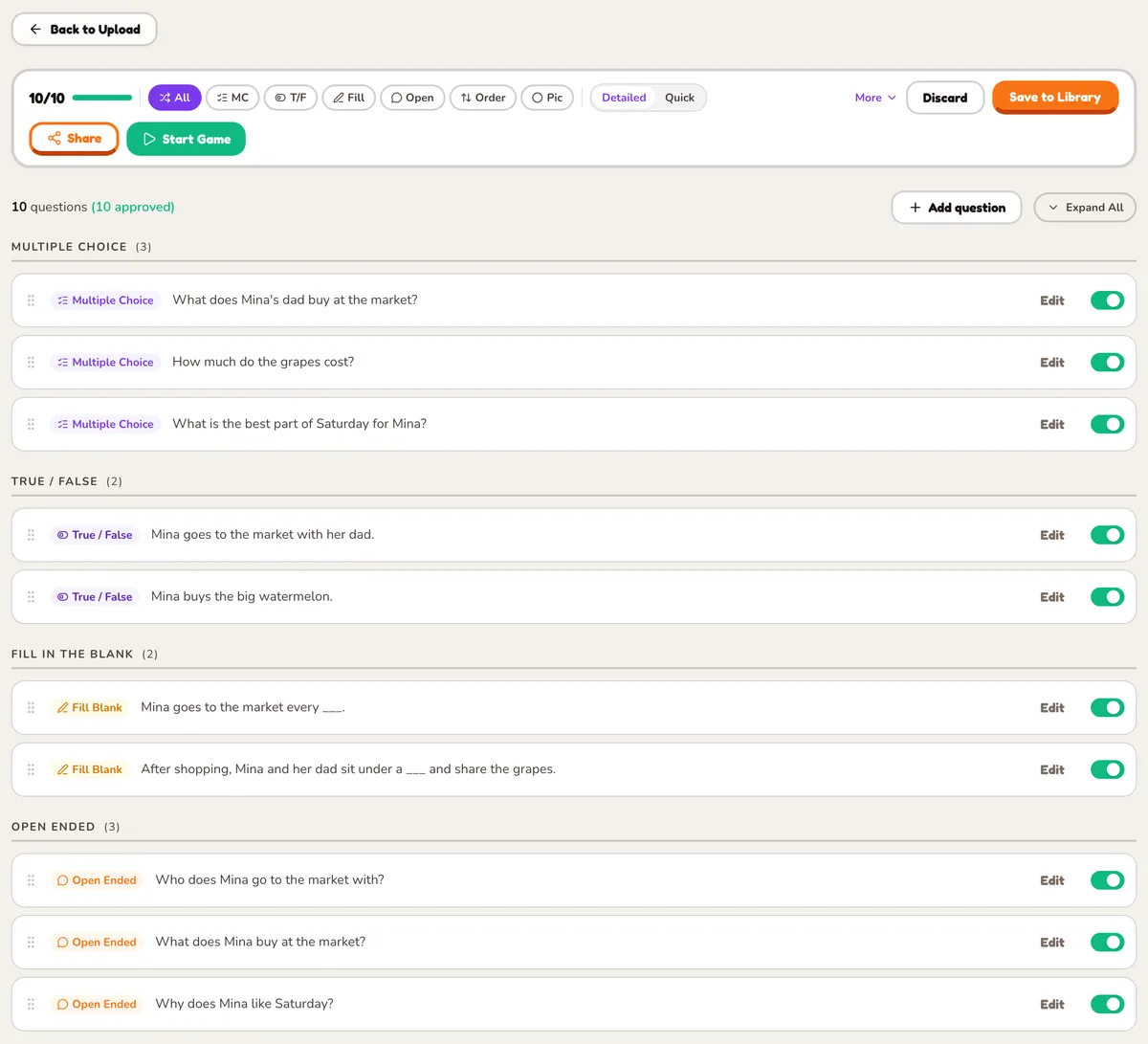
4. Review
Every question arrives switched on. Edit the wording, fix an answer, or switch a question off. Only the questions you keep reach the game.
5. Play
Pick one of 21 games and run it on the projector. The question bank is saved, so the same PDF’s questions work in any game next time.
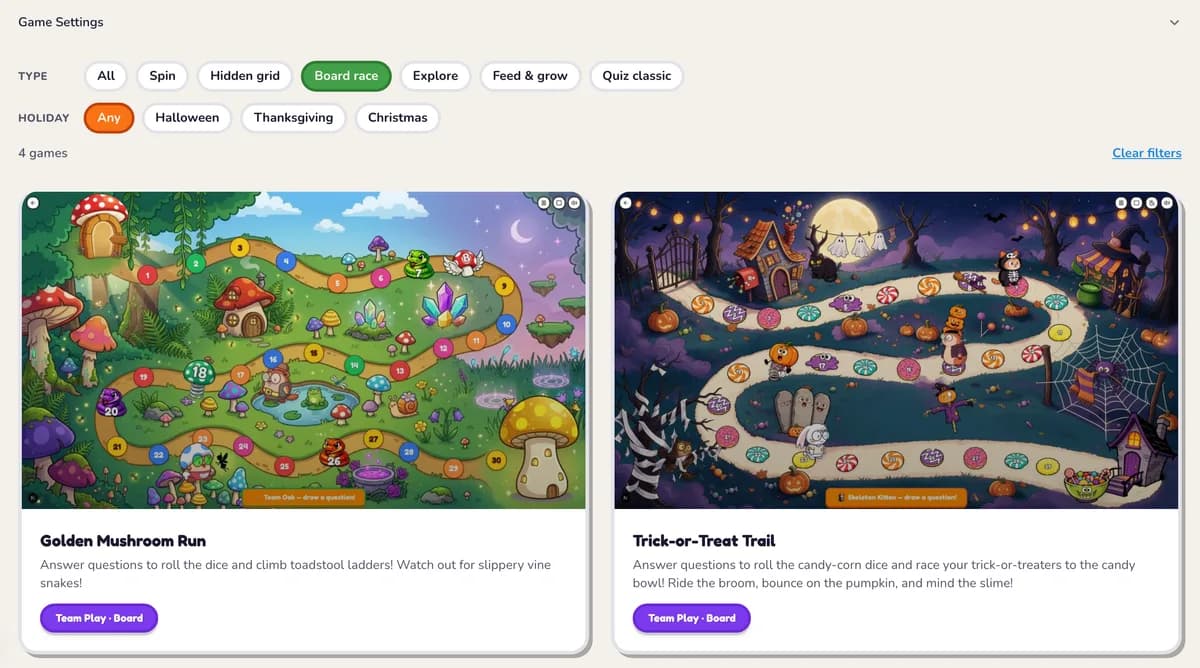
Games that suit a PDF lesson
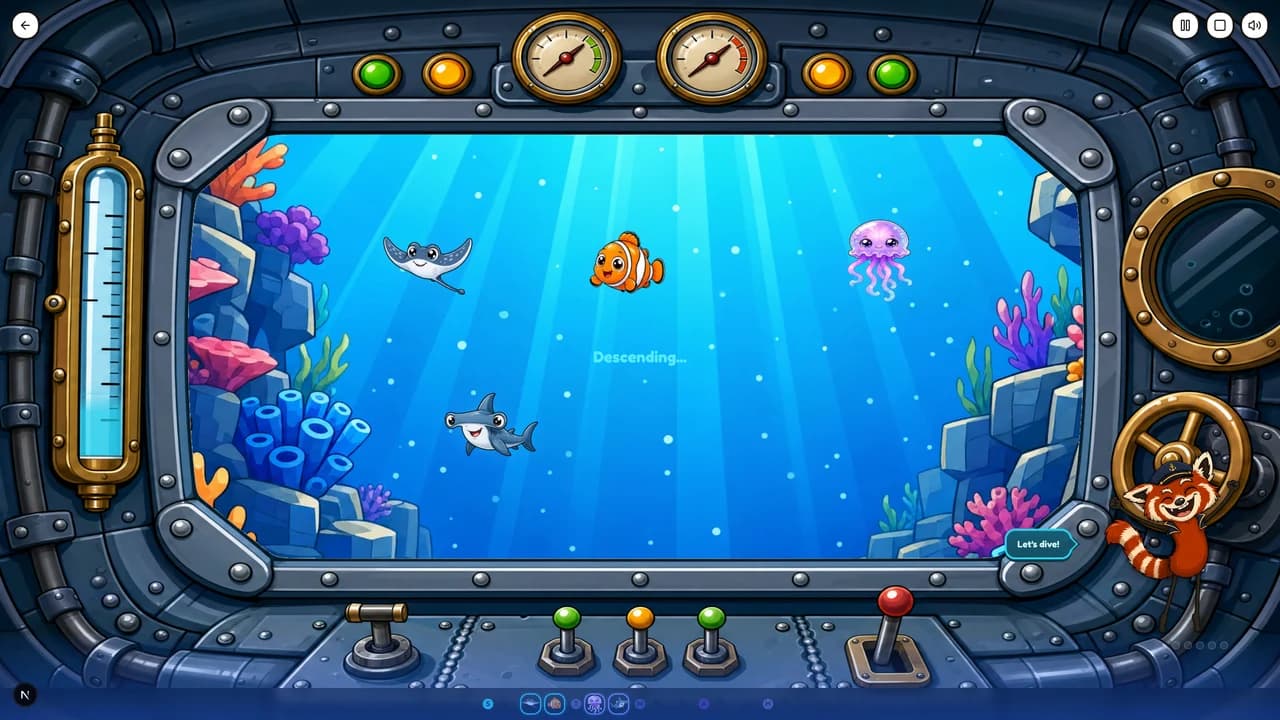
Deep Sea Expedition: the whole class answers together to dive through five ocean zones. Free plan.
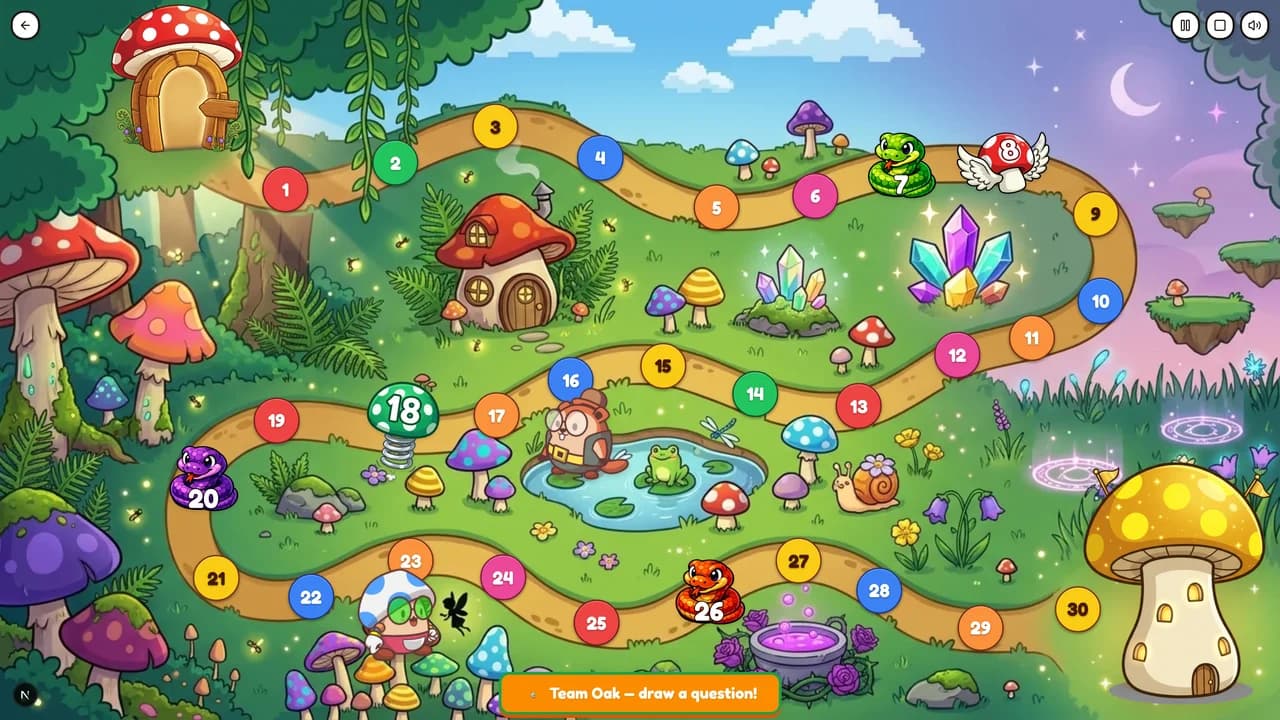
Golden Mushroom Run: a snakes-and-ladders race where teams answer to roll the dice. Free plan.
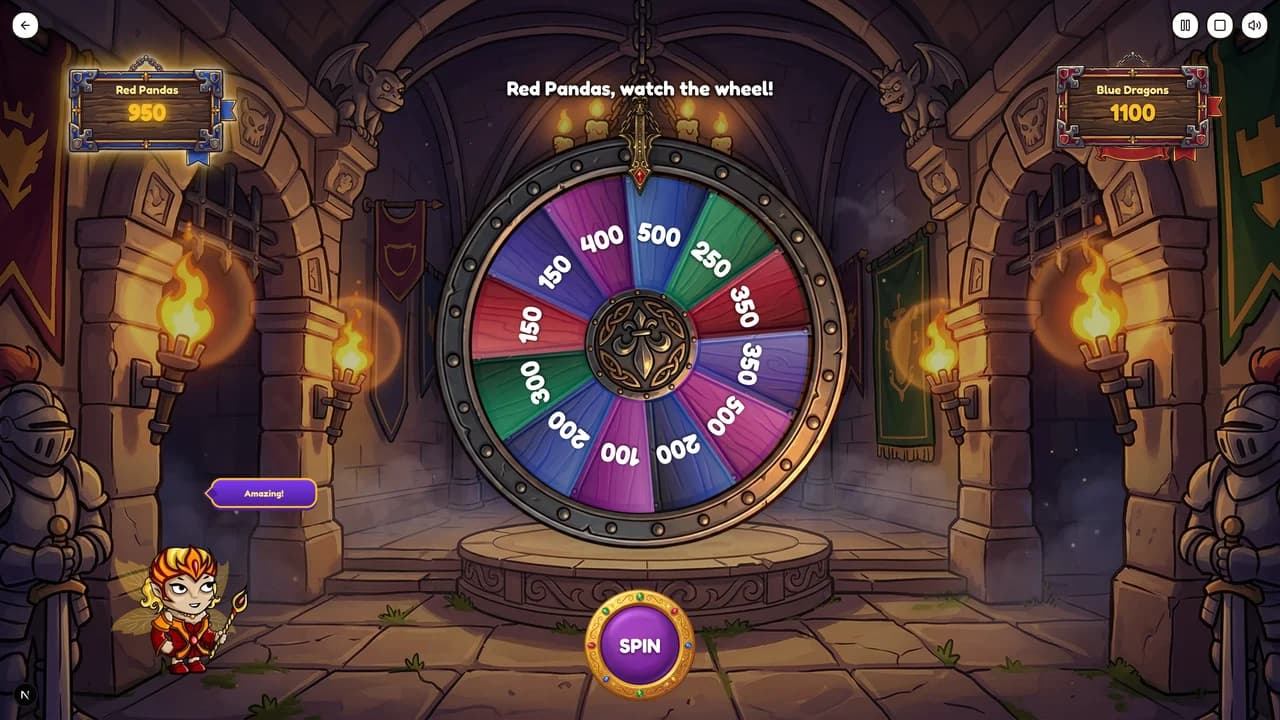
Castle Fortune: teams spin for point values and bank them on a right answer.
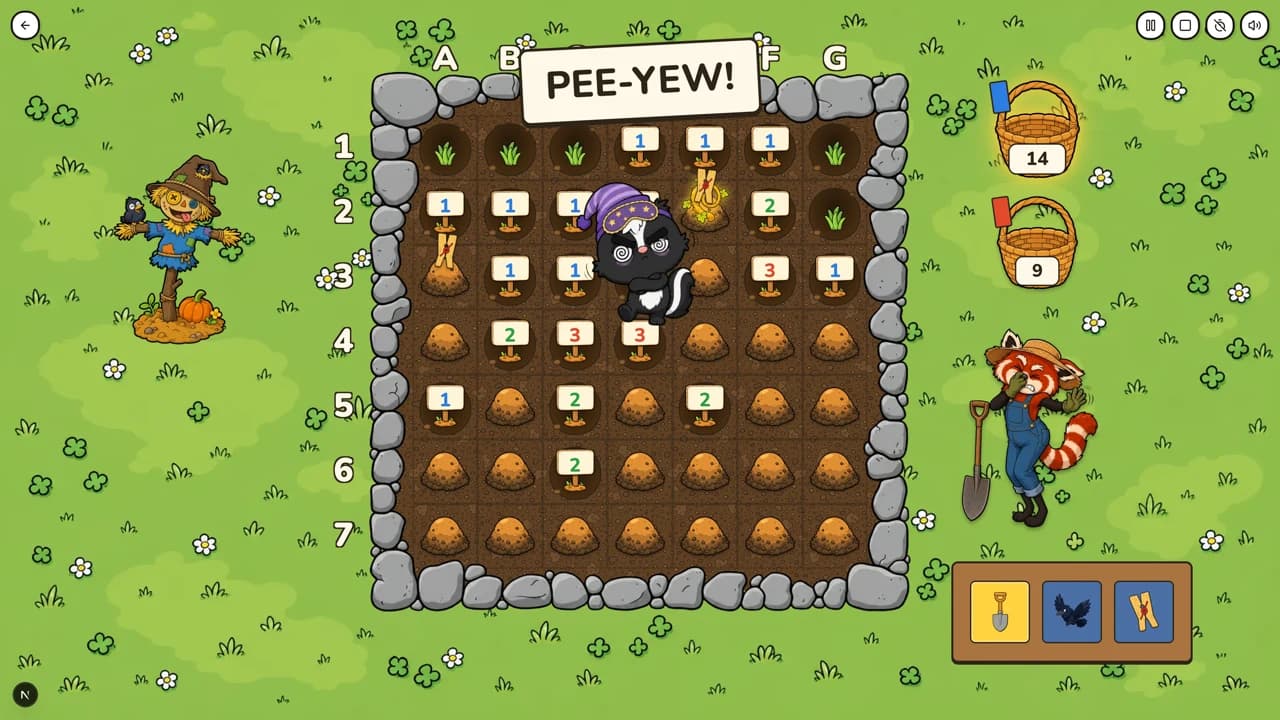
Skunk Garden: a team deduction game. Teams dig a shared garden by reading number clues and try not to wake a skunk.
Questions teachers ask
- Can I upload a scanned PDF?
- Yes. If the PDF has no selectable text, Tembii reads the scanned pages and puts the text in the lesson box for you to check.
- Can I upload a whole coursebook?
- Not in one go. The lesson box holds up to 20,000 characters, so upload the unit you’re teaching, or photograph the pages you need (up to 10 photos).
- Can I edit the questions before my class sees them?
- Yes. Every question can be edited or switched off before the game starts. Nothing reaches students that you haven’t had the chance to remove.
- Is it free?
- The free plan includes 5 game worlds, 3 AI question sets a month, and unlimited manual question-set creation. Premium is $9/month, or $7/month billed annually ($84/year), with a 14-day free trial.
Try it with the PDF on your desktop
Upload one lesson PDF and see the questions before you decide anything.
Start free